
Features
Enjoy the simplicity of Ubuntu's intuitive interface. Fast, secure and with thousands of apps to choose from — for everything you want to do, Ubuntu has what you need.
A whole world of apps
Ubuntu offers thousands of apps available for download. Most are available for free and can be installed with just a few clicks.
Discover more apps in the Snap Store ›

Spotify
Play and stream your favourite songs, playlists and albums for free with Spotify.

Bitwarden
A secure and free password manager for all of your devices.

VLC
No other video player is compatible with as many different file formats.

Firefox
A powerful, extensible web browser with support for modern web application technologies.

Slack
Team communication and collaboration in one place so you can get more done.

Visual Studio Code
VS Code combines the simplicity of a code editor with what developers need for the edit-build-debug cycle.

Chromium
A fast, simple and secure web browser, built for the modern web.

PyCharm
PyCharm provides all the tools you need for productive Python coding.

Telegram
A fast and secure desktop messaging app, perfectly synced with your mobile phone.
Office software
Create professional documents, spreadsheets and presentations on Ubuntu with LibreOffice, the open source office suite that's compatible with Microsoft Office. That means you can open and edit files like Word documents, Excel spreadsheets and PowerPoint presentations and share them with other users quickly and easily. You can also use Google docs directly from your desktop.

Web browsing
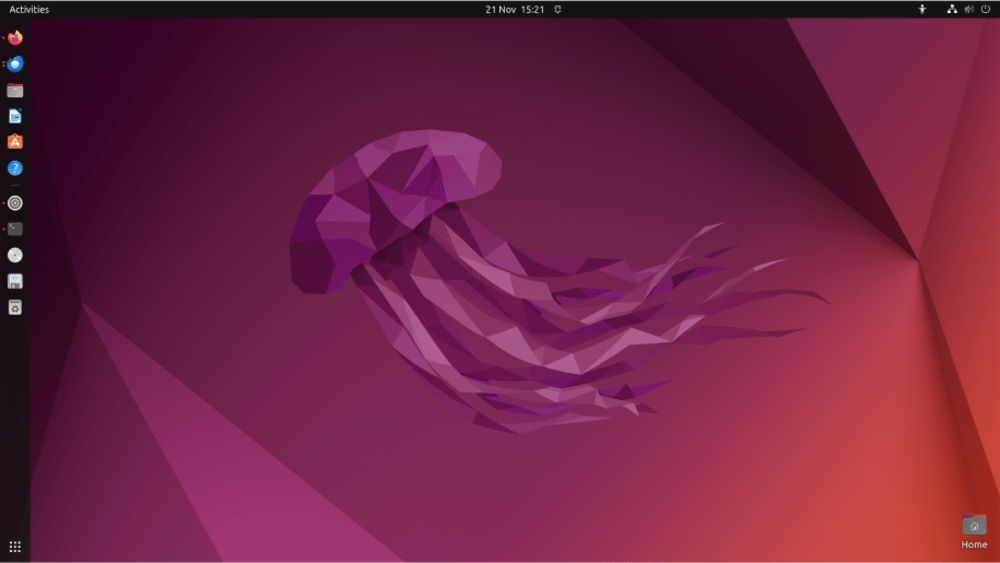
Renowned for speed and security, Ubuntu and Firefox make browsing the web a pleasure again. Ubuntu also supports Chrome and other browsers that can be installed from the Ubuntu Software centre.

Ubuntu comes with Thunderbird, Mozilla's popular email application, so you'll have fast desktop access to your email. No matter which email services you use; Microsoft Exchange, Gmail, Hotmail, POP or IMAP, email just works.

Photos
Ubuntu is full of free apps to help you enjoy, manage, edit and share your photos — whatever you use to take them. With fantastic support for cameras and phones, you won't need any extra drivers to get up and running.
Organise your photos
With Shotwell, you can quickly and easily import, organise, edit and view your pictures. And you can share your favourite snaps on all popular photo sites and social networks.

Edit and illustrate
Edit your photos or create professional illustrations and designs with tools like Gimp and Krita, available in the Ubuntu Software centre.


Videos
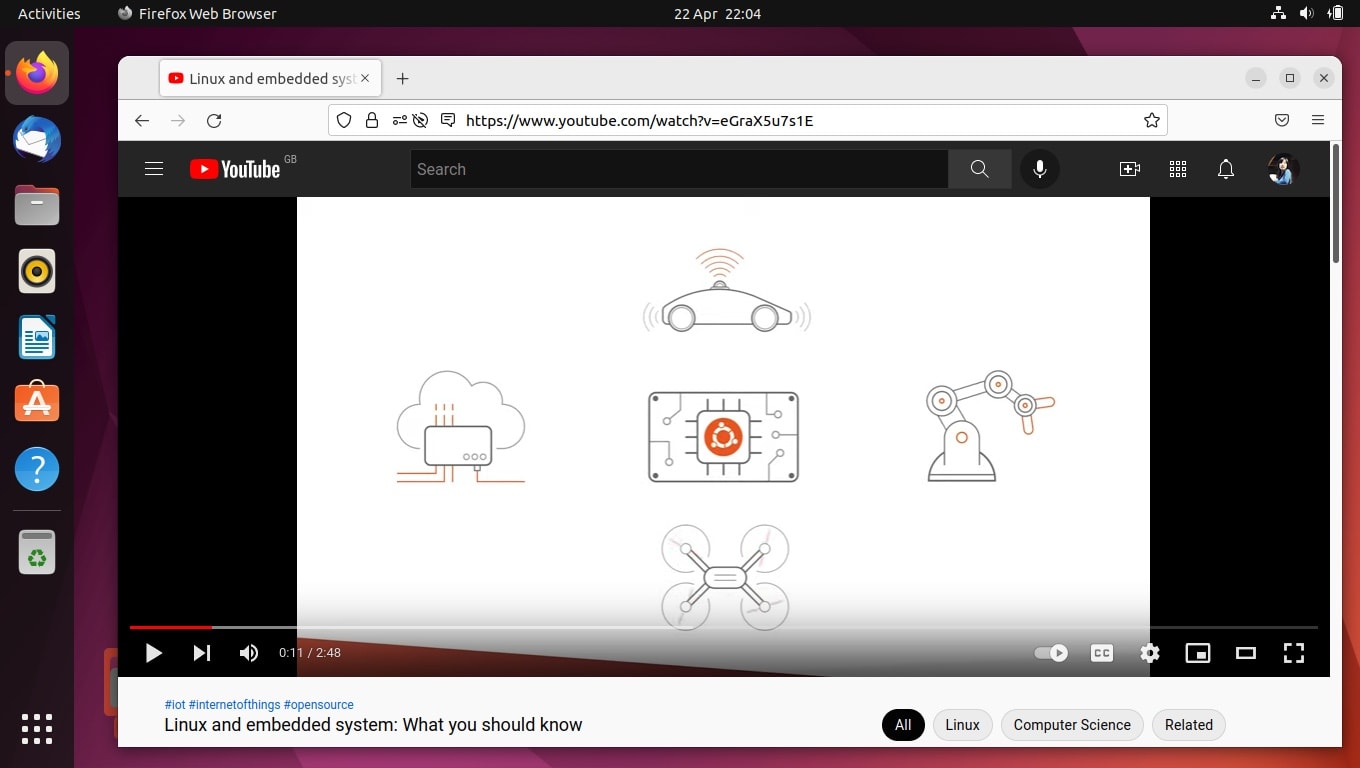
Watch HD videos from your browser on Ubuntu, or use the default Movie Player and VLC and OpenShot from the Snap Store. Edit your movies with Shotcut or kdenlive and then watch them in Movie Player.
Gaming
From Sudoku to first-person shooters, we've got loads of games that'll keep you busy for hours. There are thousands of games available for Ubuntu, including titles from the Unity and Steam platforms. Pick from critically acclaimed titles such as Dota 2, Kerbal Space Program and Counter Strike: Global Offensive.

An open source operating system
Our code is shared openly throughout the development cycle. We are transparent about our plans for future releases, so as a developer, hardware manufacturer, or OEM, you can work with us to start building Ubuntu applications and systems now.
Backed by Canonical
Canonical is the global software vendor that provides commercial, design and engineering support to the Ubuntu project. Today, our hardware enablement team supports the pre-installation of Ubuntu on hundreds of laptops and workstations, worldwide.